


Latest Version
Ahmad K. Mozaffar
Education
Windows
Free
9nd9jrkt3f16
Report a Problem
More About Typing 365 | Daily Typing Trainer
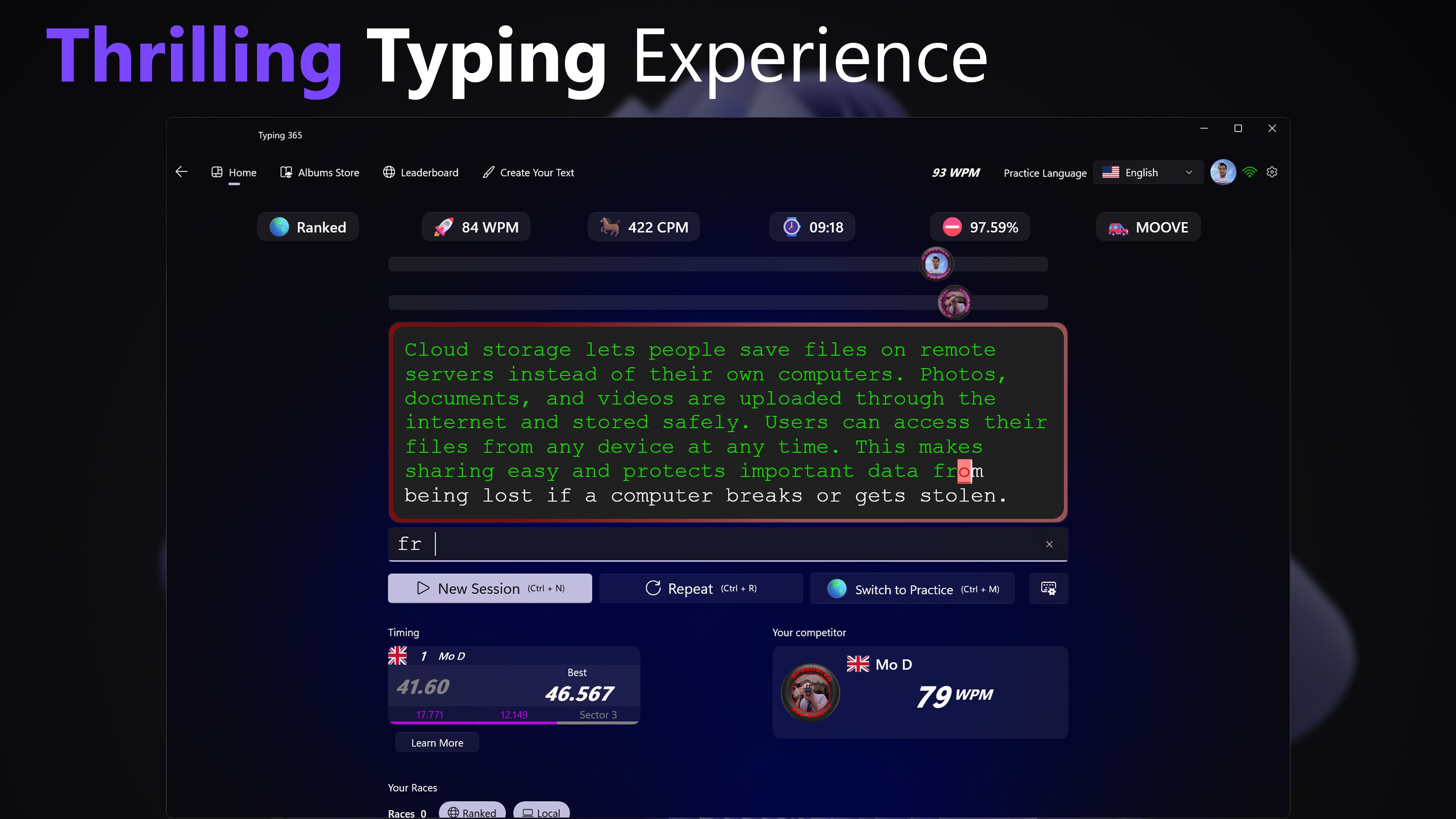
The Standout Feature: Real-Time Multiplayer Typing Races
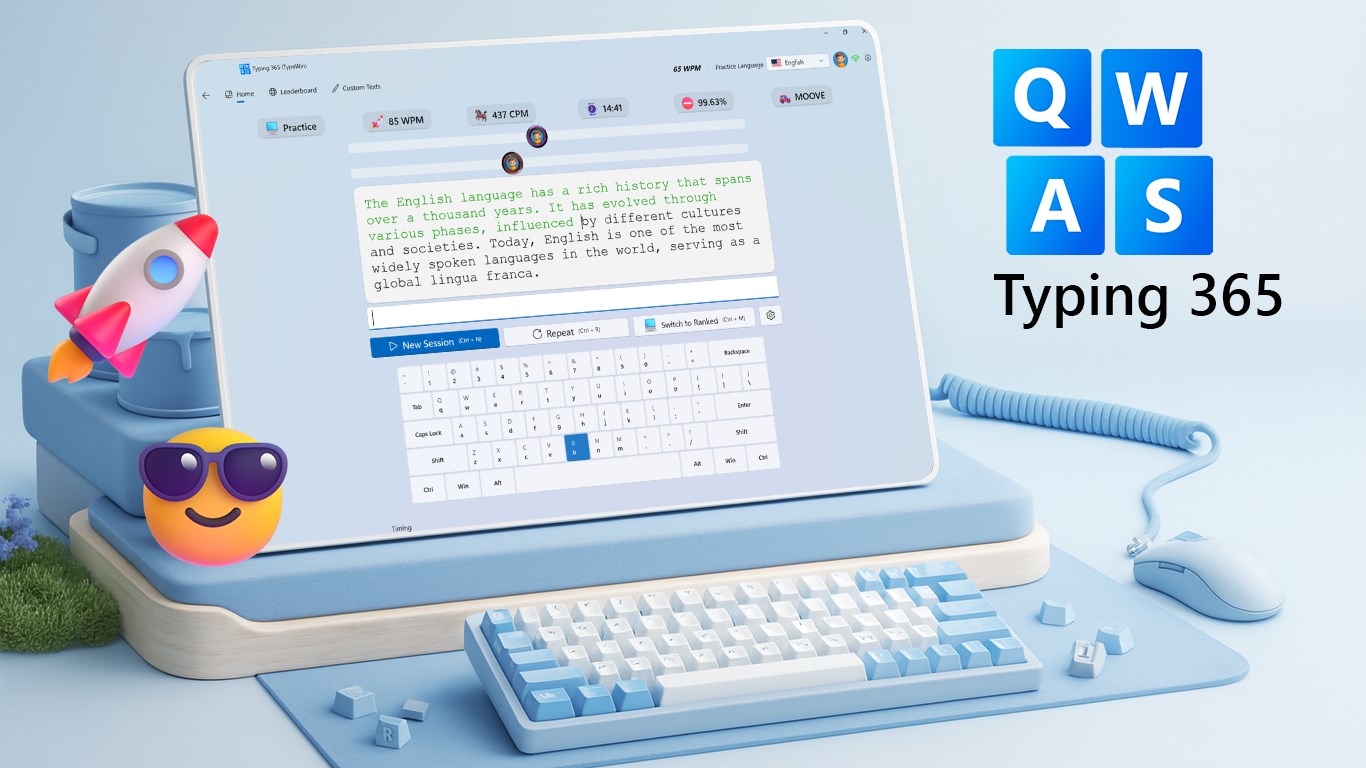
While most keyboard trainers isolate you in a bubble of repetitive drills, Typing 365 | Daily Typing Trainer transforms skill-building into an engaging sport. The application’s standout feature is its real-time multiplayer racing system. Instead of simply typing against a static clock, you can test your touch typing speed against global competitors. This competitive edge, complete with a motorsport-inspired countdown timer, forces you to maintain accuracy under pressure, simulating real-world typing demands far better than static tests.
A Native Windows 11 Experience
Developed specifically for the Windows platform by Ahmad K. Mozaffar, Typing 365 | Daily Typing Trainer looks and feels like a natural extension of your operating system. Built with a sleek Fluent UI, it delivers a highly responsive, low-latency typing experience. In touch typing, even a microsecond of input lag can disrupt your rhythm; this software eliminates that friction entirely with its optimized, buttery-smooth performance.
Comprehensive Training Tools
Whether you want to climb the global leaderboards or practice quietly offline, this educational tool adapts to your daily routine. Its key features include:
- Multiplayer Races: Match your skills against typists worldwide in live speed challenges.
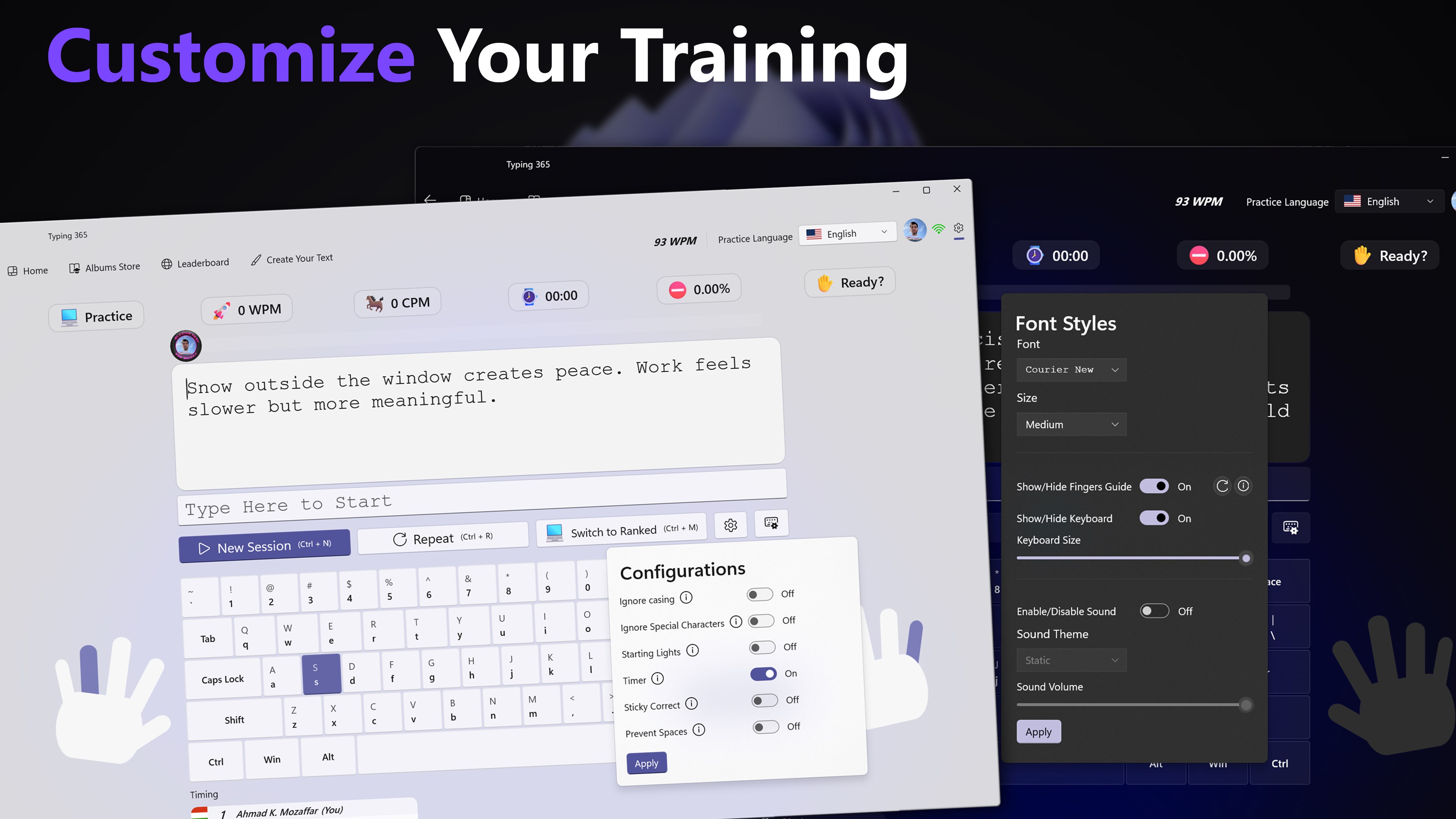
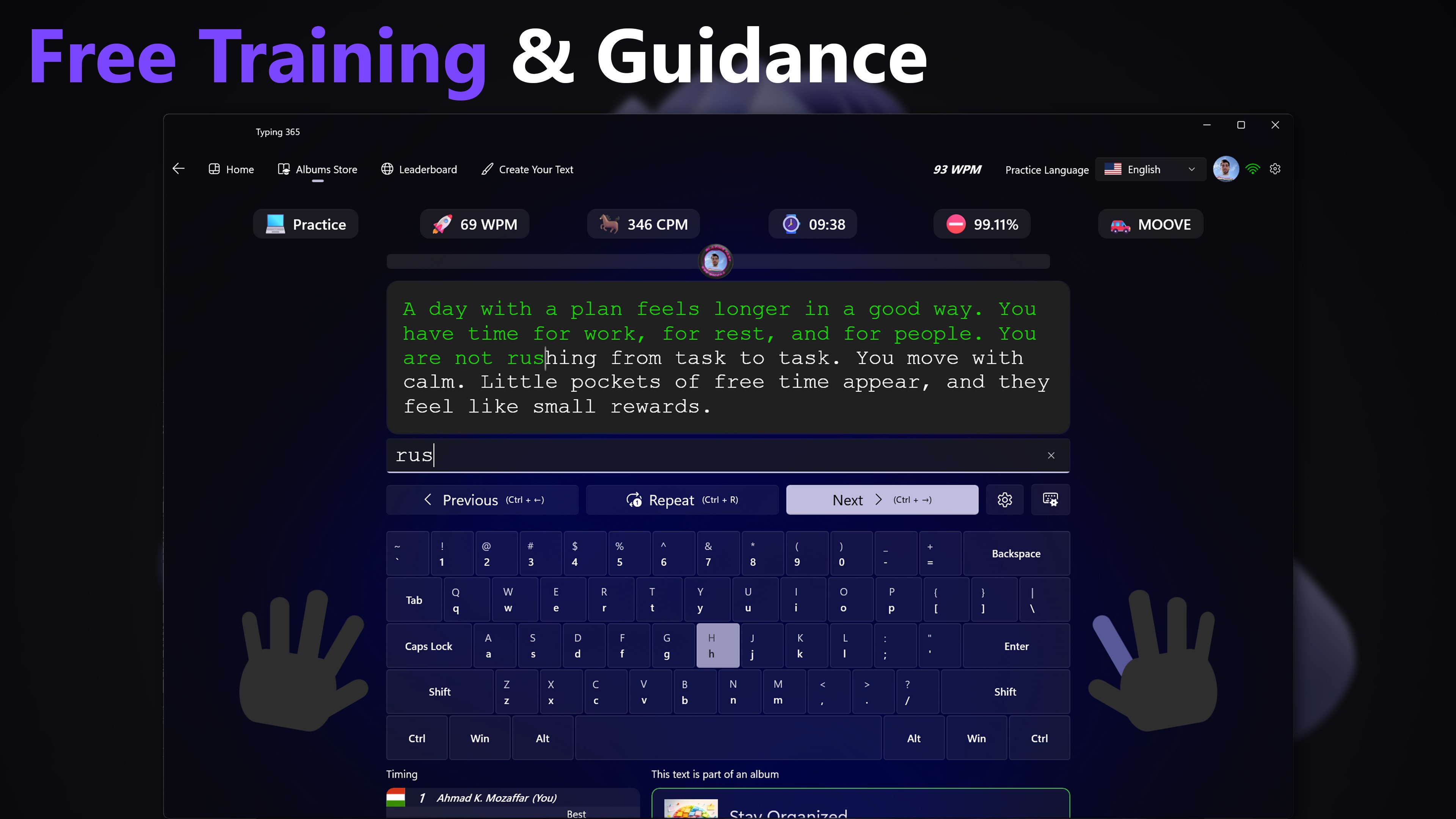
- Offline Practice Sessions: Focus on your technique with custom drills and targeted challenge modes.
- In-Depth Performance Analytics: Analyze your words per minute (WPM), accuracy percentages, and specific key errors after every session to monitor your improvement trends.
Who is Typing 365 For?
This software is highly recommended for professionals looking to maximize their workplace productivity, students aiming to write essays faster, and competitive typing enthusiasts. Because it scales from basic finger placement drills to high-speed competitive sprints, it serves as an excellent long-term companion for anyone serious about mastering the keyboard.
Our Verdict
If you are looking for a modern, beautiful, and highly functional utility to elevate your keyboard skills on Windows, this app is an exceptional choice. It successfully turns the tedious task of practicing keyboard drills into an addictive, gamified experience. To start your journey toward keyboard mastery, head over to the official Microsoft Store to explore Typing 365 | Daily Typing Trainer today.
Rate the App
User Reviews














Popular Apps










Editor's Choice