Latest Version
Foriero s.r.o.
Education
Windows
Free
9nblggh4nnd8
Report a Problem
More About Typing Fingers LT
An Innovative Approach to Keyboard Mastery
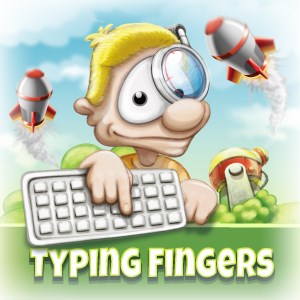
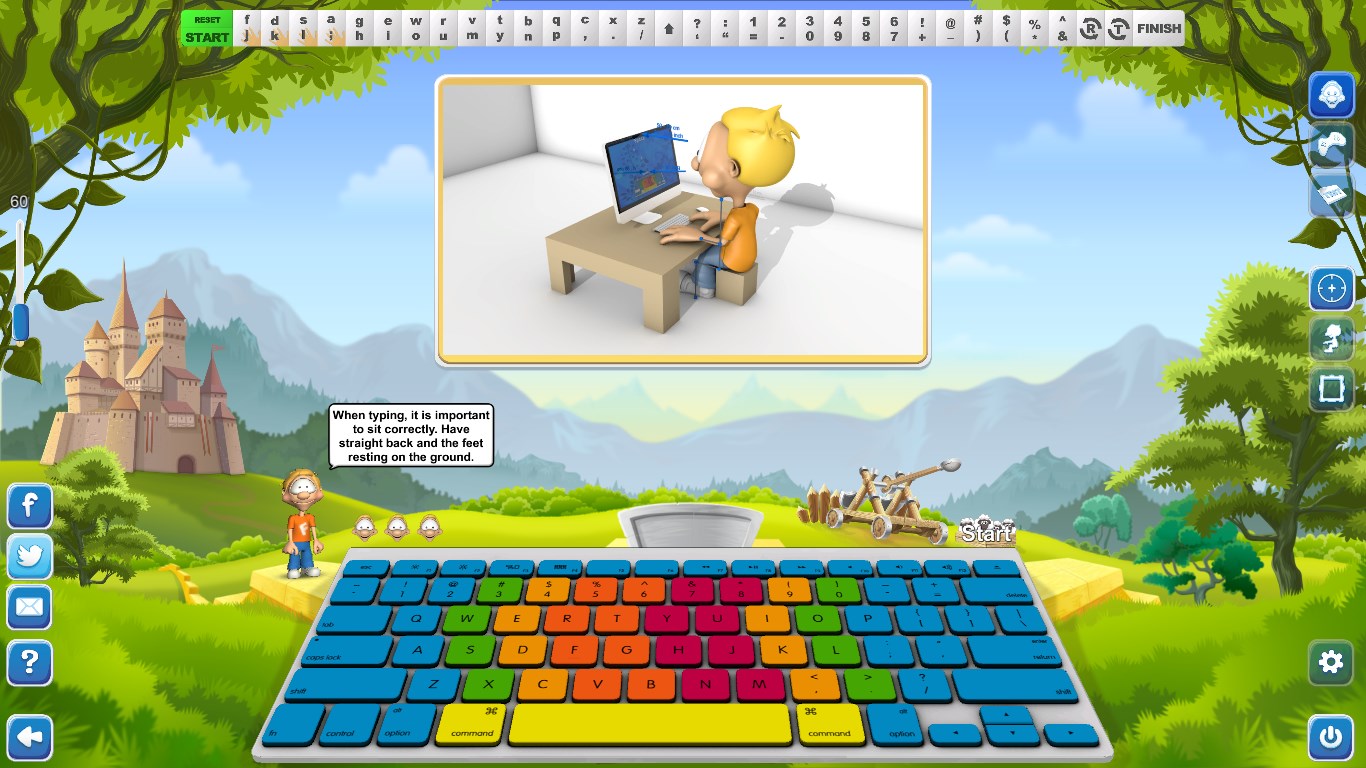
Learning to type quickly and accurately is an essential modern skill, but traditional drills can quickly become tedious. Typing Fingers LT touch-typing tutor offers a refreshing alternative by turning keyboard practice into an interactive, game-driven experience. Developed by Foriero s.r.o., this Windows application is designed to help users of all ages—including homeschooling students—transition from looking at their hands to typing fluidly with all ten fingers.
How the Typing Fingers LT Touch-Typing Tutor Works
Instead of relying on rote memorization, this application introduces a structured, step-by-step curriculum guided by an interactive character named Dennis. The journey is broken down to make progress feel natural and rewarding:
- Symmetric Super Learning: The program utilizes a unique symmetric method based on brain hemisphere analysis. By repeating symmetrical patterns, players engage both sides of the brain to build balanced muscle memory across both hands.
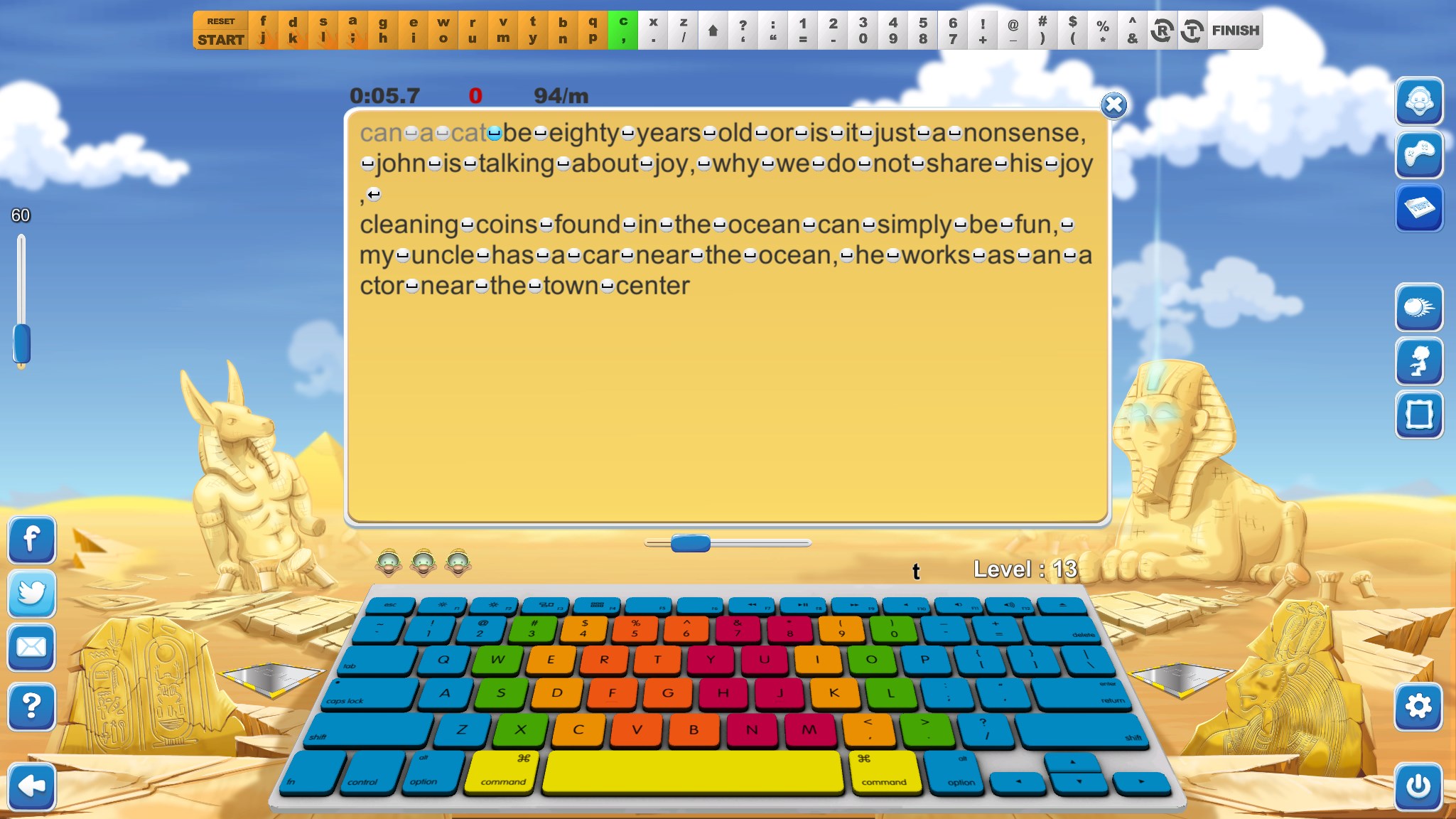
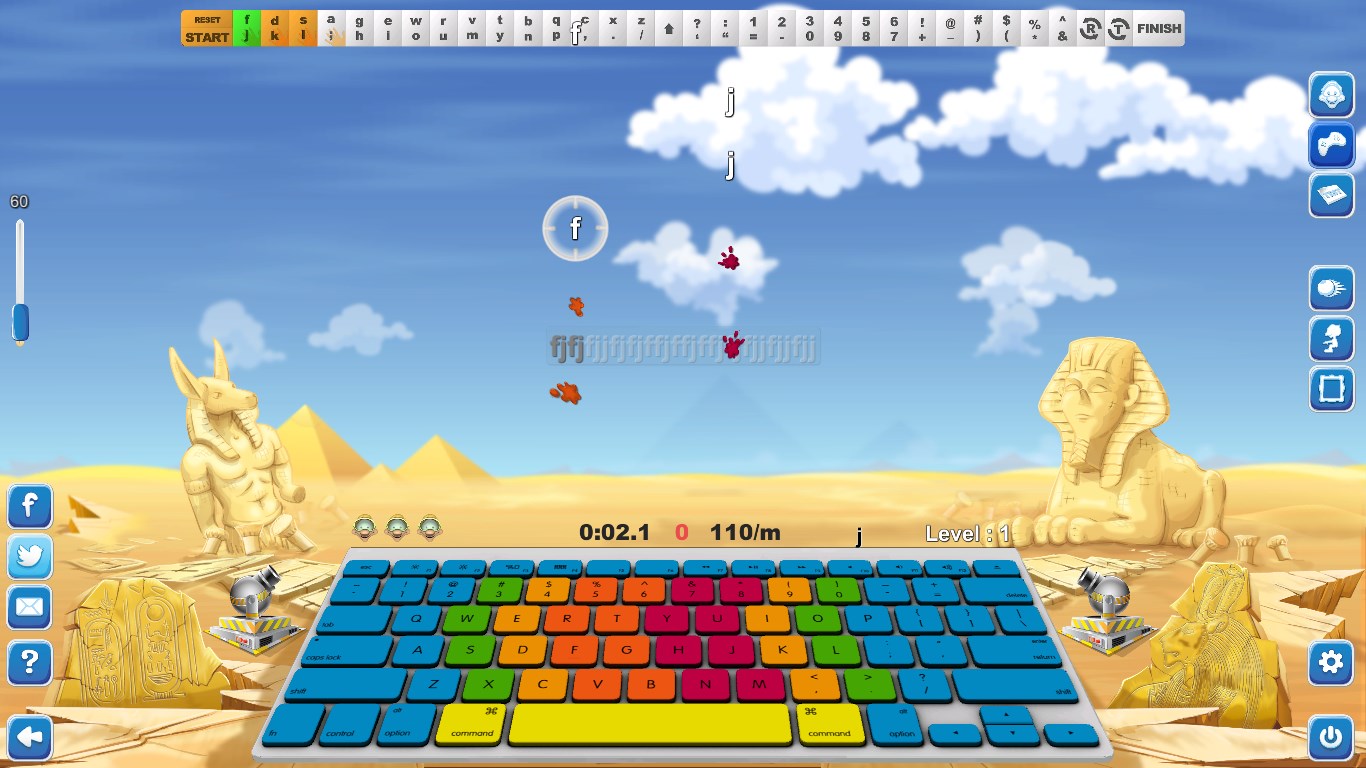
- Two-Part Lessons: Every level is divided into a dedicated learning phase and an action-oriented game phase. During the game phase, you must put your skills to the test with only three lives to pass the level.
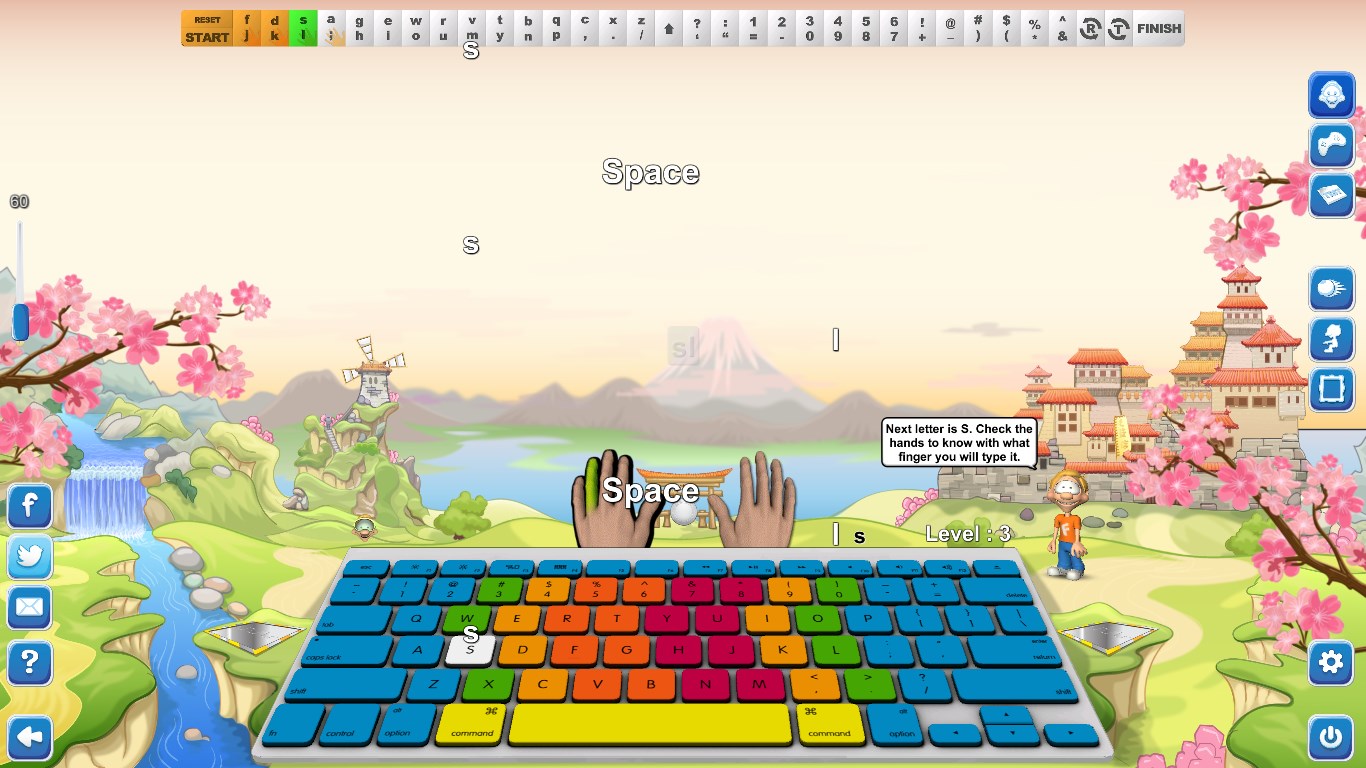
- Interactive Tutor Guidance: Dennis the tutor guides you through all 32 levels, showing you exactly which fingers are responsible for which keys on a standard US/EN QWERTY keyboard layout.
Who Is This Typing App For?
The Typing Fingers LT touch-typing tutor is highly adaptable, making it an excellent fit for several groups:
- Homeschooling Families: The structured lessons and clear progression offer an easy way to integrate keyboarding into a daily curriculum.
- Young Learners & Beginners: Peaceful background music, colorful graphics, and a friendly tutor remove the stress typically associated with learning technical skills.
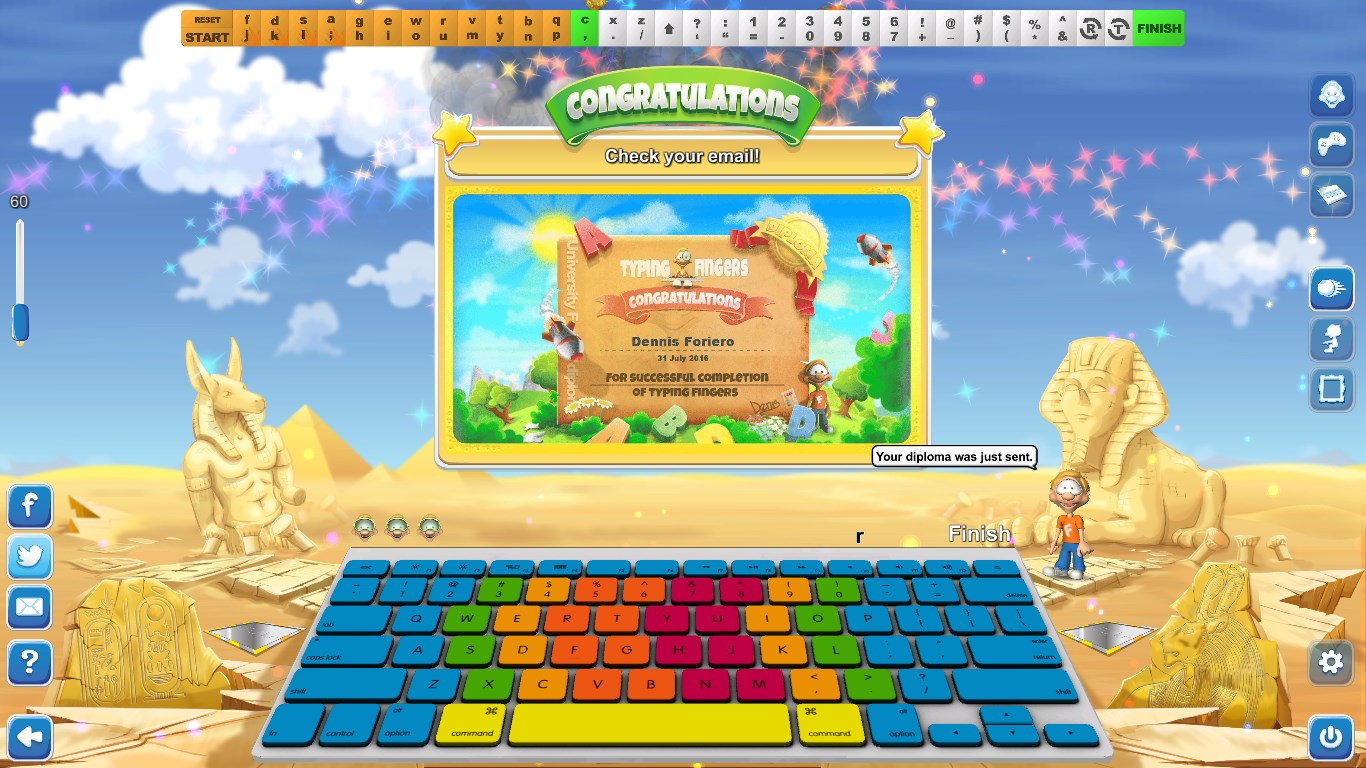
- Anyone Seeking Certification: Successfully beating all levels awards you a personalized digital diploma that you can print out to celebrate your achievement.
Features and Trial Structure
The application is free to download and try on Windows devices. The first level is fully accessible to let you test the symmetric learning system and interface. To unlock the remaining 31 levels and complete your full training program with Dennis, an in-app purchase is required. If you want to transform your typing habits, you can find the application ready for your keyboard on the official Microsoft Store.
Rate the App
User Reviews








Popular Apps









Editor's Choice